 blog
Best Software for Small HVAC Companies in 2026
Table of Contents
- What Small HVAC Companies Actually Need From Software
- Feature Comparison: What to Look For in HVAC Software for Small Business
- HVAC Scheduling and Dispatch Software: Keeping Technicians Moving
- HVAC Invoicing Software: Getting Paid Faster
- HVAC Field Service Software: Mobile Apps for Field Technicians
- Real Costs and ROI: What Small Teams Should Budget For
- How to Choose and Implement HVAC Software Without Disrupting Your Business
- Frequently Asked Questions
Last Updated: October 16, 2026
What Small HVAC Companies Actually Need From Software
The best software for small HVAC companies handles scheduling, dispatching, invoicing, and customer communication in one place without weeks of training. Tradesman is designed for service businesses like plumbers, HVAC technicians, and electricians, streamlining everything from service requests to payments in a single, intuitive interface.
Most small HVAC businesses do not lose money from missing features. They lose it in the gaps between tools: a job booked by phone, written on a paper pad, texted to a tech, then re-typed into an invoice three days later.
According to the U.S. Small Business Administration's guide to choosing business software, the right tool should match your current size, not the size you hope to become. That single principle eliminates most of the market.
Here is what actually matters for a small HVAC operation:
- One system for service requests, estimates, and payments
- A mobile app technicians will open without being nagged
- Online booking so after-hours calls do not vanish
- Invoicing that gets paid the same day, not the same month
- Pricing that stays sane as you add a second or third tech
Everything else is a feature you will pay for and never touch.
Feature Comparison: What to Look For in HVAC Software for Small Business
Judge HVAC software for small business on the capabilities that touch money and time daily, not a two-hundred-checkbox feature list. The table below maps what each capability does for a small crew, and where it breaks.
| Capability | What It Does | Why Small Teams Care | Where It Breaks |
|---|---|---|---|
| Scheduling and dispatch | Assigns jobs to techs by location, skill, and availability | Fewer windshield hours, more billable ones | Manual re-entry when an emergency call lands mid-day |
| Mobile app | Shows job details, photos, equipment history, and prior notes on site | Techs stop calling the office for basics | Slow load times in attics or basements with weak signal |
| Estimates and invoicing | Turns an approved quote into a bill without re-typing | Cuts the gap between work done and money in | Quotes that live in a separate tool from the job record |
| Customer records | Stores service history, equipment model and serial numbers, warranty dates | Repeat visits get faster and more accurate | Duplicate records when the same customer calls from a second number |
| Online payments | Lets customers pay by card, ACH, or payment link | Ends the check-in-the-mail cycle | Fees that quietly eat margin on small tickets |
| Inventory and parts | Tracks common parts on the van and in the shop | Fewer second trips for a $12 capacitor | Overkill for a one-van shop that buys as needed |
| Accounting integration | Syncs invoices, payments, and expenses to your books | Stops double entry at month-end | One-way syncs that require manual reconciliation |
| Reporting | Shows revenue per tech, close rate, and average ticket | Tells you which jobs to chase and which to drop | Dashboards nobody opens after week two |
A common mistake is buying on breadth. A two-person shop does not need multi-branch reporting or warehouse forecasting, it needs the first five rows to work well every day without a support ticket.
Match the Software to Your Company Size and Service Mix
Most roundups treat every HVAC contractor the same. They are not. Use this map to narrow the field before any demo.
- Solo operator (owner is the only tech). You need one tool that captures the call, sends the estimate, and takes payment from your phone. Prioritize mobile-first apps and online booking so you are not answering the phone mid-job.
- Two to five techs, residential service and light commercial. Scheduling, dispatch, and invoicing in one system pays off fastest here. You need role-based permissions so office staff see billing but techs cannot, plus a shared calendar reflecting real drive time.
- Five to ten techs, mixed residential and commercial. Reporting now matters: revenue per tech, close rate by lead source, and separating commercial work orders from residential tickets. Accounting integration becomes non-negotiable.
- Mixed residential and commercial from day one. Commercial jobs bring purchase orders, longer approval cycles, and progress billing. If a platform cannot put a PO number on an invoice, you are back in spreadsheets.
The practical test: can a new technician complete a job start to finish in the app on their first afternoon? If not, the software is wrong for your size, no matter how long the feature list is.
HVAC Scheduling and Dispatch Software: Keeping Technicians Moving
Good HVAC scheduling and dispatch software answers one question fast: which technician should take this call, and when?
Small teams usually dispatch by gut feel and a shared calendar. That works until eight jobs a day across two vans, then the board must show location, job length, and skill requirements at a glance.
Look for drag-and-drop rescheduling. When an emergency call comes in at 2pm, moving three jobs should take seconds, not a phone tree.
Calendar Management and Route Planning
Calendar management and route planning matter most in peak season. Grouping jobs by postcode or suburb cuts real driving time, and driving time is unpaid.
Route planning only helps if the calendar reflects reality. If a tech's morning job overruns, the afternoon schedule should shift with it; static calendars needing manual fixes defeat the purpose.
HVAC Invoicing Software: Getting Paid Faster
HVAC invoicing software should turn an approved estimate into a sent invoice in one step, with payment options attached. Speed here is the difference between cash this week and chasing balances next month.
The old workflow: tech finishes, writes notes, office types an invoice that evening, mails it, waits.
Three features drive that shift:
- Estimates that convert to invoices without re-typing
- Online card and bank payment built into the invoice
- Automatic reminders for unpaid balances
Qualified research consistently finds businesses offering digital payment options get paid faster than those relying on checks, with the largest effect for small service firms lacking a dedicated accounts team.
HVAC Field Service Software: Mobile Apps for Field Technicians
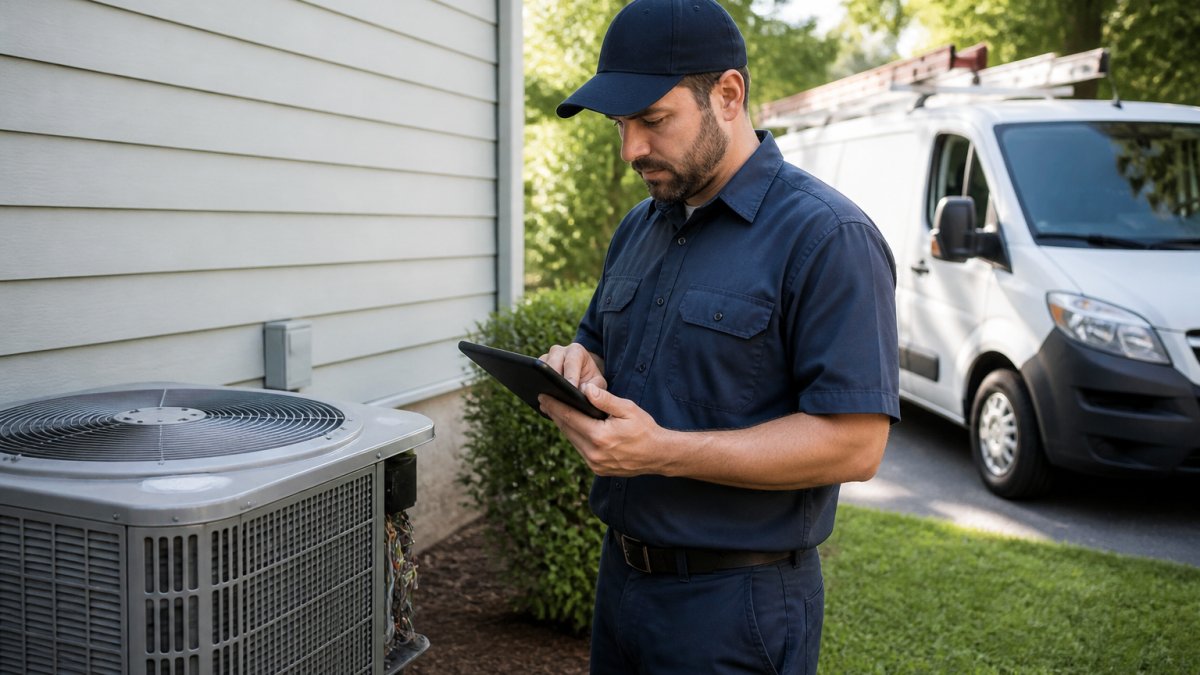
HVAC field service software lives or dies on the mobile app. If technicians avoid it, the office re-enters everything, and you have paid for software that created work instead of removing it.
Offline Reliability and Ease of Use
Offline reliability is the feature nobody asks about until the first basement job with no signal. Notes typed offline must sync on reconnect, not disappear.
Ease of use is measurable. Count the taps from opening the app to seeing today's first job. Under three is good. Over six, your team will find a workaround.
Real Costs and ROI: What Small Teams Should Budget For
Total cost of ownership for small HVAC software comes down to four numbers: subscription, onboarding, migration and training time, and hours the system gives back weekly. Most roundups list a starting price and stop, that number is rarely what you pay.
The Cost Components Nobody Puts in the Headline
When you compare platforms, ask for each of these in writing:
- Per-user vs. per-job pricing. Per-user plans are easy to forecast for a two- or three-tech shop but punish you the moment you hire. Per-job pricing looks cheap in a slow month and expensive in peak season. Ask what happens to your rate when you add a fourth technician mid-year.
- Onboarding and setup fees. Some vendors bundle setup; others charge a one-time implementation fee rivaling several months of subscription. Ask whether data import is included or billed hourly.
- Contract length and auto-renewal. Month-to-month is safest for a small team. Annual contracts carry a discount but lock you in before you know whether your techs will use the app.
- Quote-only plans. Several vendors hide pricing behind a demo request. Not a red flag for a ten-tech operation, but for a solo operator it usually means the platform is priced above your range.
- Payment processing fees. Built-in payments are convenient, but the per-transaction fee comes out of your margin. Compare the effective rate on a typical $450 service call, not the headline percentage.
- Add-ons. Marketing modules, AI receptionists, and customer portals are often sold separately. Add them up before comparing two platforms.
A Simple ROI Framework You Can Run in Ten Minutes
You do not need a spreadsheet model. You need four inputs.
- Hours per week on manual admin. Scheduling, re-typing invoices, chasing payments, and returning calls for job details. A three-tech shop commonly spends eight to twelve hours a week across the owner and one office person.
- Your loaded labour rate. What an hour of that person's time actually costs you, including payroll taxes and overhead, not just their wage.
- Annual subscription plus onboarding. Multiply the monthly fee by twelve and add any one-time setup cost.
- Recovered hours. Be conservative. Assume the software removes half the admin hours in the first year, not all of them.
If recovered hours, valued at your loaded rate, do not exceed the annual cost within a few months, the software is not the problem, your process is, and no platform fixes a workflow nobody agreed on.
What Faster Payments Are Worth
A qualified pattern across service businesses: customers pay faster when an invoice arrives with a payment link attached than with a paper invoice mailed days later. For a small HVAC company, the cash-flow effect often exceeds the subscription cost itself.
Tradesman consolidates scheduling, estimates, invoicing, and payments into one platform, so you are not stacking multiple subscriptions for one workflow. For current pricing, check our website directly rather than secondhand figures.
How to Choose and Implement HVAC Software Without Disrupting Your Business
Implementation is where most small HVAC software projects fail, not selection. The tool is usually fine. The rollout is not.
Run the process in this order:
- Shortlist two options that match your team size and service mix.
- Trial both with one technician and one office user for two weeks.
- Migrate customer records and open jobs first, historical invoices second.
- Run old and new systems in parallel for one billing cycle.
- Retire the old system once two clean invoices have gone out.
Migration and Staff Adoption Tips
Migration fears are legitimate. Ask any provider three questions before committing: what data can be exported, in what format, and what happens to your data if you leave. Data portability is your insurance policy.
Adoption follows the same rule every time. Pick your most skeptical technician, make them the first user, and fix their complaints before wider rollout.
Tradesman features a drag-and-drop pipeline board for workflow management, built-in messaging for communication with customers and technicians, and a 24/7 AI receptionist. It offers an intentionally simple interface with fewer buttons and screens.
Choosing software for a small HVAC company is a decision about how much admin you will keep doing by hand.
Frequently Asked Questions
What features should small HVAC companies look for in software?
Prioritize scheduling and dispatching, invoicing with online payments, customer management, and a mobile app that works offline. Look for an intuitive interface that technicians will actually use, and check whether pricing fits a small team. Tradesman bundles these features without the complexity of enterprise platforms.
How much does HVAC software cost for a small company?
Pricing depends on the number of users, features, and contract length. Many platforms charge per-user fees that add up quickly. Visit Tradesman's website for current pricing or a quote.
Can HVAC software handle scheduling, estimates, and invoicing?
Yes. Most HVAC field service software includes scheduling, dispatching, estimates, invoicing, and payment processing. Tradesman combines these in one platform, so you can create an estimate on-site, convert it to a job, and send an invoice with a payment link before leaving the customer's driveway.
What is the easiest HVAC software for a small team?
The easiest software has fewer screens and buttons, so technicians need minimal training. Tradesman was built with an intentionally simple interface, a drag-and-drop pipeline board, and built-in messaging. It also includes a 24/7 AI receptionist to capture calls when your team is in the field.