 Listicle
Which Field Service App Works for Non-Techies?
Quick Summary
The best field service app for non-techies is one with few screens, clear labels, offline reliability and minimal setup. Tradesman fits this profile for plumbers, HVAC technicians and electricians, combining scheduling, estimates, invoicing and payments in one simple interface.
- Look for one clear path per task so technicians never have to hunt for buttons.
- Choose an app that saves work offline, since basements and rural sites often lack signal.
- Pick a tool with plain-language labels that match what technicians are actually doing.
- Run a pilot with two or three technicians through one full job cycle before rolling out.
- Train on a real scheduled job and keep a one-page cheat sheet in the truck.
Table of Contents
- Why Most Field Service Apps Frustrate Technicians
- What Makes a Field Service App Easy for Non-Techies
- Comparing the Top Field Service Apps for Simplicity
- Best Software for Small HVAC Companies
- How to Improve Technician Adoption of Mobile Apps
- Field Service App Training Tips That Actually Stick
- Choosing Your Field Service App Before Your Next Busy Week
- Frequently Asked Questions
Why Most Field Service Apps Frustrate Technicians
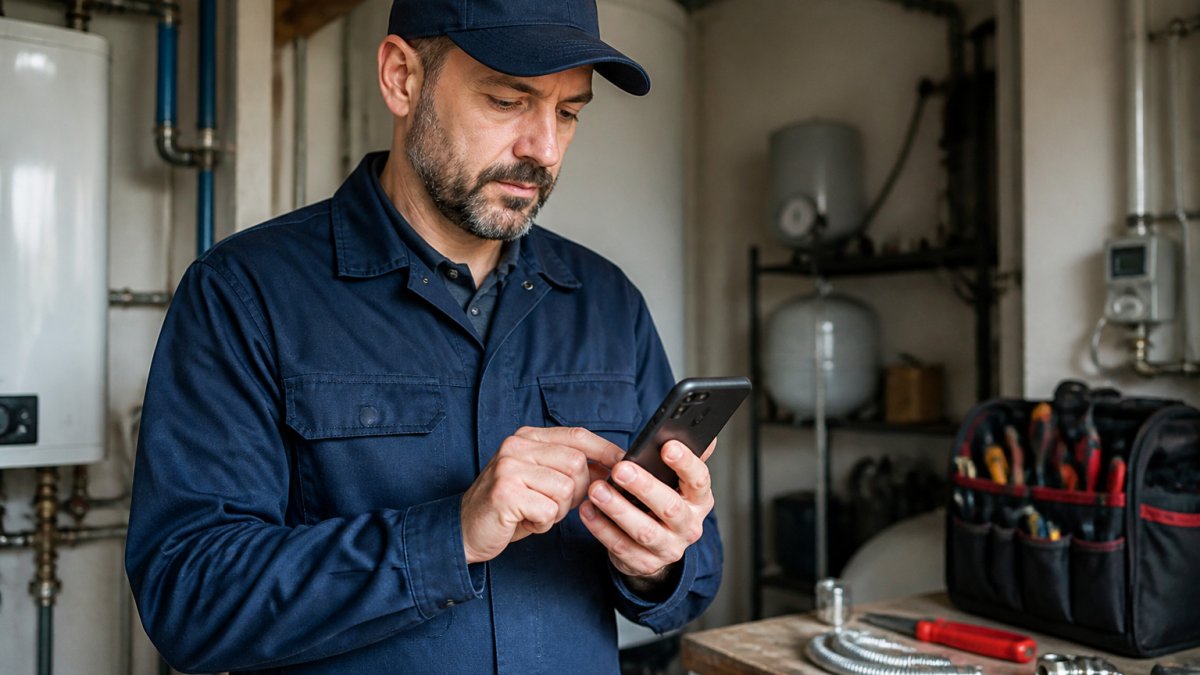
Field technicians don't have time to learn software. They're on a roof, under a sink, or in a crawlspace, and they need to pull up a job, log parts, and get paid before the next call. Salesforce's 2026 research on agentic AI in field service found that 47% of appointments don't go according to schedule (Salesforce 2026 report on agentic AI transformation in field service). When plans break, a technician who fights the app loses even more time.
The research also points to workload pressure. Salesforce reports that 66% of field service technicians feel overwhelmed by their current workload (Salesforce research on AI's impact on the field service workforce). A cluttered app adds to that load. Every extra screen and button is one more thing to remember while standing in a customer's kitchen.
This is why Tradesman is built around fewer buttons and screens. Most technicians need a few core actions: see today's jobs, record what was done, and send an invoice. Anything beyond that is noise.
What Makes a Field Service App Easy for Non-Techies
An app is easy for non-techies when it asks very little of the user. Four traits matter most:
- One clear path per task. A technician should be able to find the job, update it, and move on without guessing where a button lives.
- Offline reliability. Basements, rural sites, and steel buildings often have weak signal. The app should save work and sync later.
- Plain language. "Mark complete" beats "Finalize workflow state." Labels should match what the technician is doing.
- Minimal setup. If a new hire needs a day of training before they can log a job, the tool is too heavy for a small crew.
Salesforce's 2026 coverage of mobile apps points the same way. Apps are adding AI-driven guidance and voice commands to reduce the manual steps technicians have to remember (Salesforce 2026 field service mobile app analysis).
Tradesman's interface follows the same principle. A drag-and-drop pipeline board shows where every job sits, and built-in messaging keeps the office and the field in one thread.
Comparing the Top Field Service Apps for Simplicity
Simplicity depends on the size of your team. A solo plumber and a 40-person service company need very different tools. We've grouped the options below by how much complexity they bring.
Quick Picks:
- Best for a simple, all-in-one start: Tradesman
| Tool | Starting Price | Best For | Ease of Use |
|---|---|---|---|
| Tradesman | Contact for pricing | Plumbers, HVAC, electricians | Very simple, fewer screens |
| FieldVibe | $40/user/month | Solo operators, micro-teams | Minimalist interface |
| Zoho FSM | Contact for pricing | Budget-conscious small businesses | Moderate setup |
| Praxedo | Contact for pricing | Shift-based teams | Technical feel |
| Dynamics 365 Field Service | $105/user/month | Microsoft-based organizations | Complex |
| Salesforce Field Service | $330/user/month | Large enterprises | Complex, training required |
| ServiceMax | Contact for pricing | Complex asset management | Enterprise-focused |
Simple Options for Solo Operators and Micro-Teams
Smaller operations usually need scheduling, invoicing, and customer messages. Tradesman was designed for this stage. It combines service requests, estimates, invoicing, and payments in one interface, with online payments processed through Stripe. A 24/7 AI receptionist can answer calls after hours.
Best for: Solo plumbers and HVAC techs who want invoicing and scheduling in one place. Skip if: You need heavy reporting or dozens of users on day one.
Enterprise Platforms and Their Learning Curve
Best for: Large organizations with dedicated IT staff and budgets. Skip if: Your technicians are not comfortable with software or your team is under 20 people.
Best Software for Small HVAC Companies
HVAC businesses have specific needs: seasonal demand spikes, maintenance agreements, and quotes that need to be approved quickly. Tradesman includes a drag-and-drop pipeline board, calendar scheduling, and dispatching, so jobs can be tracked from request through invoicing within one platform.
For small HVAC companies, look for three things:
- Scheduling that handles same-day service calls without manual rework
- Estimates and invoices created on the job, not back at the office
- Messaging that keeps customers informed about arrival times
Best for: Small HVAC companies that want estimates, scheduling, and payments in one simple tool.
How to Improve Technician Adoption of Mobile Apps
Even the simplest app fails if technicians don't use it. Adoption usually breaks down for practical reasons: the app is slow on a phone, the data entry takes too long, or nobody in the office responds to what the field team logs.
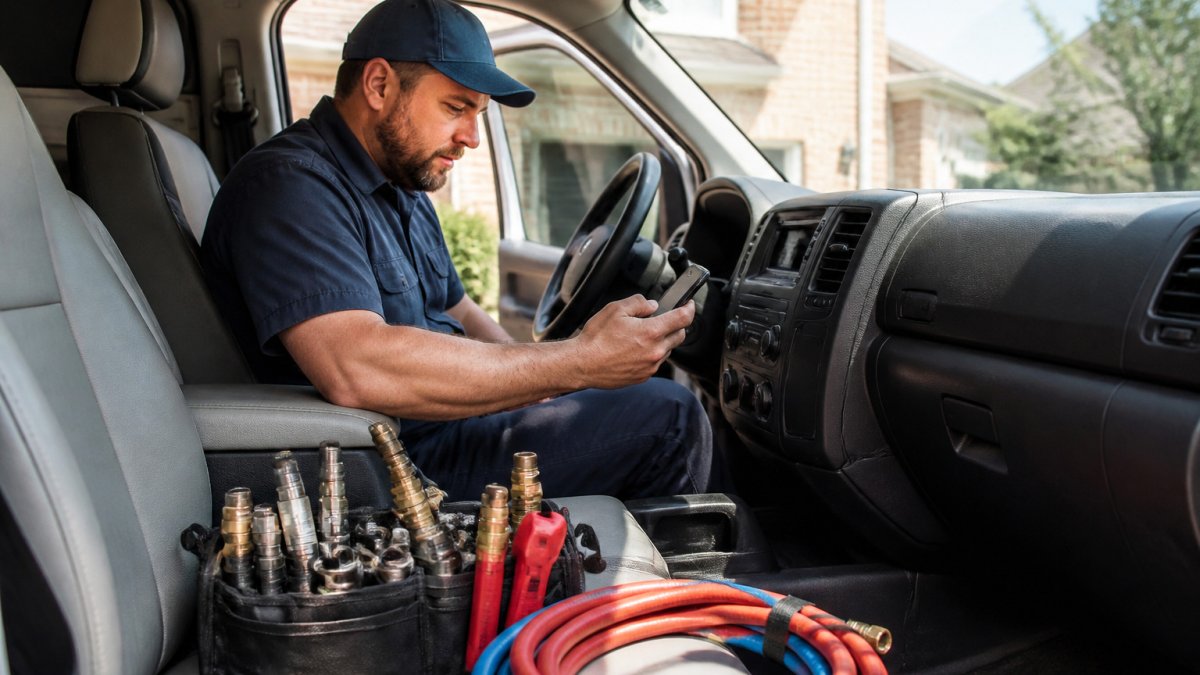
Start with a small pilot. Pick two or three technicians, run them through one full job cycle, and collect their complaints. Fix the worst friction before rolling out to everyone. Then make the office use the app too. If dispatchers still call technicians for job details that are already in the app, the field team will stop checking it.
Keep the logging short. Ask technicians to record only what the customer and the invoice need. Every extra field costs time at the job site.
Field Service App Training Tips That Actually Stick
Long training sessions don't work for field crews. Short, job-based training does. A few approaches tend to hold:
- Train on a real job. Walk a technician through a scheduled call from start to finish, not a demo account.
- Keep a one-page cheat sheet in the truck with the five most common actions.
- Assign one peer champion per crew who can answer quick questions on site.
- Practice offline. Turn off the signal and make sure the technician can still complete a job.
Revisit training after the first month. Most questions come up once real jobs expose gaps the demo missed.
Choosing Your Field Service App Before Your Next Busy Week
Pick the tool before your next rush, not during it. Start by listing the three tasks your technicians do most often. Then test two or three options with a real job, not a sample. Watch how long it takes a technician to finish one task.
If your team is small and your technicians are not software-focused, start with a simple all-in-one tool. Tradesman is built for plumbers, HVAC technicians, and electricians who want scheduling, estimates, and payments without a steep learning curve. Get started on the Tradesman website, run one week of real jobs through it, and decide from there.
Frequently Asked Questions
What makes a field service app easy to use for non-techies?
The biggest factor is how few steps a technician needs to complete a job. Look for a clean home screen, large buttons, a single place to see today's jobs, and the ability to add notes, photos and a signature in a few taps. Offline access matters too, since many technicians work in basements, crawl spaces and rural sites without signal. Test the app yourself on a phone in the field before committing, and ask whether the vendor can set it up without a consultant.
How do I choose field service software for a small team?
Start with the jobs your team does every day: scheduling, dispatching, quotes, invoicing and payment. Shortlist tools that cover those without requiring add-ons, then check the price as your headcount grows. Ask for a trial with your actual technicians rather than the office manager. The best choice is usually the one your least technical team member can use after a short walkthrough.
How long does it take to train staff on a simple field service app?
For a simple app, most technicians can handle daily tasks such as viewing jobs, checking in, and submitting invoices within one training session of an hour or two, plus a few days of practice. Complex platforms with custom workflows can take several weeks. Keep training short, focus on the five actions technicians perform most, and schedule a follow-up check-in after the first week to fix habits before they set.
Do I need a complex CRM to manage my field service business?
Usually not. Many small HVAC, plumbing and electrical businesses run well on a scheduling, dispatch and invoicing tool with basic customer records. A full CRM adds pipeline reporting and marketing automation that small teams often never use. If your main pain is juggling calls, jobs and payments, a simpler all-in-one platform like Tradesman is a more practical starting point.